Huawei / Honor: enabling autostart
Keep AlvaKids running on EMUI / MagicOS so parental control stays reliable after reboot.
Updated: 2026-06-06
Huawei's EMUI and Honor's MagicOS use an aggressive battery manager that closes background apps to save power. If AlvaKids is closed, location stops updating and limits stop applying. A few settings keep it running so parental control works around the clock.
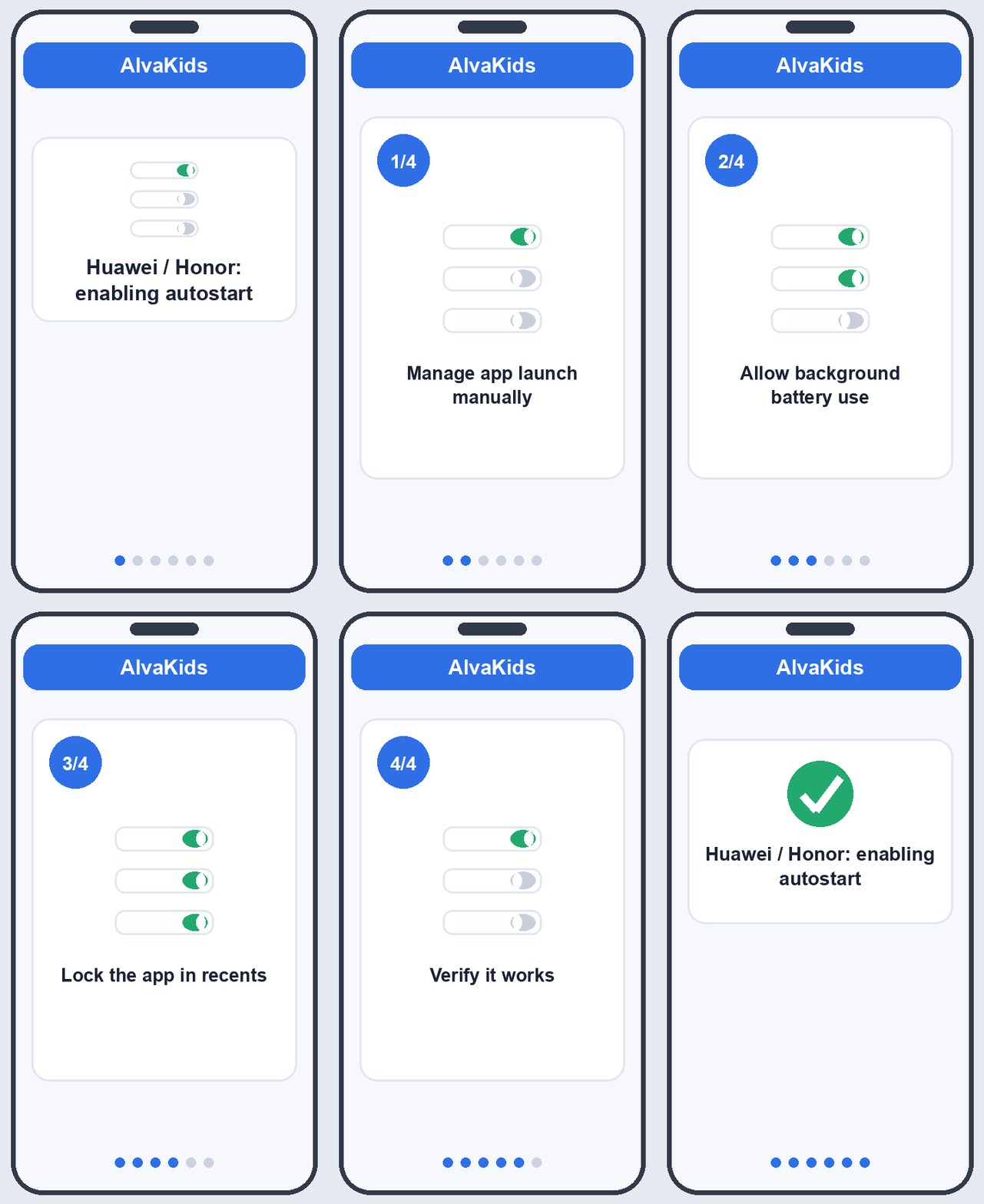
Manage app launch manually
- Open Settings > Apps > App launch (older devices: Phone Manager > App launch).
- Find AlvaKids in the list.
- Turn its switch off to leave automatic management. A dialog appears.
- In that dialog enable all three: Auto-launch, Secondary launch, and Run in background.
- Tap OK.
Managing the app manually is the single most important step. It tells the system never to close AlvaKids on its own.
Allow background battery use
- Go to Settings > Battery > App launch (or Battery > More battery settings).
- Open AlvaKids.
- Choose Don't restrict (some builds call this No restrictions or Allow background activity).
This stops the power saver from suspending the app while the screen is off.
Lock the app in recents
- Open the Recents screen (the square button or swipe-up gesture).
- Find the AlvaKids card.
- Swipe down on the card (or tap the lock icon) until a small lock appears.
Locked apps survive the "clear all" action and stay alive longer in memory.
Verify it works
Restart the phone and wait about a minute. Open the parent app: the child profile should turn green, showing AlvaKids reconnected on its own after reboot. If it stays grey, reopen App launch and confirm all three toggles are still on, since system updates sometimes reset them.
Tip
On Honor MagicOS the menus carry the same names but may sit under Settings > Battery > Launch. If you cannot find App launch by browsing, use the search box at the top of Settings and type "launch".
Next, make sure every permission is granted: Granting permissions on the kid device. On other phones see Xiaomi autostart setup.