Pairing with the parent device
Link the child's phone to your parent app using a 6-digit code.
Updated: 2026-04-15
On the parent phone
- Open SafeKids360 Parent.
- Tap Add child on the home screen.
- Enter the child's name and date of birth.
- A 6-digit pairing code will appear. Keep it on screen.
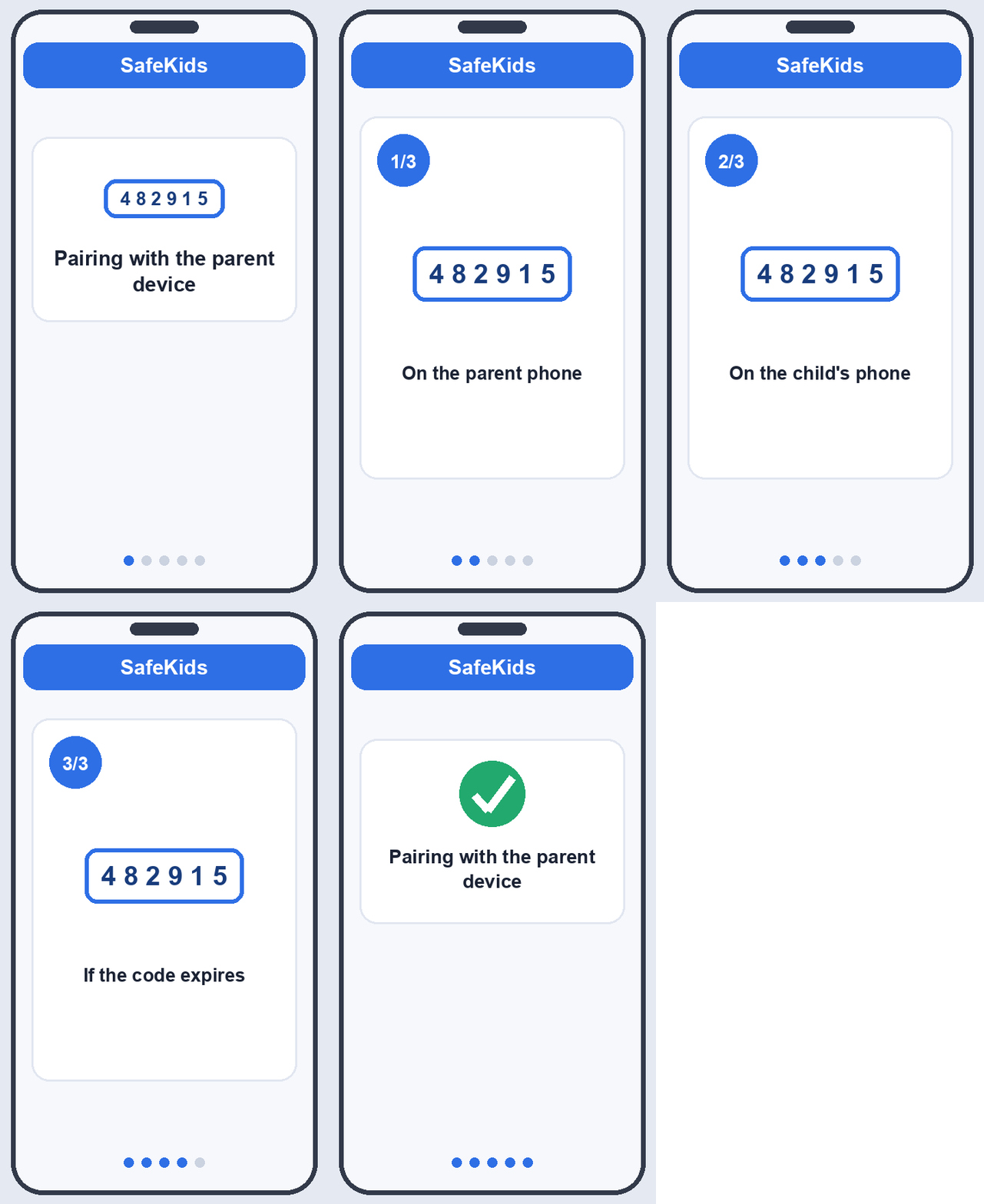
On the child's phone
- Open AlvaKids.
- Tap I have a pairing code.
- Type the 6 digits exactly as shown on the parent phone.
- Tap Continue.
The two devices will exchange a secure handshake. You'll see a green check on both screens.
If the code expires
Codes expire after 15 minutes for security. If it has expired, tap New code in the parent app.
What's next
You'll be asked to grant permissions. See Granting permissions.